Erfan MD Server Status, HTTP 404 Errors & Ping/Uptime Commands
By Erfan Ahmed | Last tested and updated: 23 November 2026.
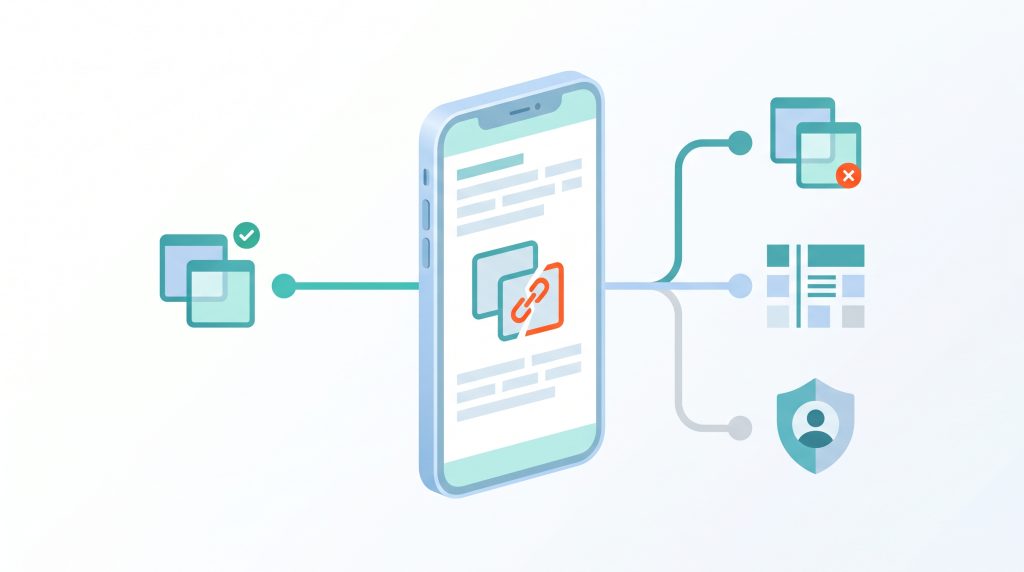
Erfan MD server status is a server-selector signal, not an end-to-end pairing test. The Ready, Offline, and Unknown labels report the selected server’s displayed state; an HTTP 404 means the requested resource was not found, while .ping and .uptime are status-oriented bot commands. A reply from one component does not verify the others.
Erfan MD is an independent third-party WhatsApp bot project; WhatsApp and Meta do not own or operate it.
- Read server labels as status reports, not guarantees that pairing or every bot feature will work.
- An HTTP 404 points to a requested resource that the server cannot find or disclose. It does not automatically mean your phone number is incorrect.
- Use
.pingto check a bot command response and.uptimeto inspect the reported runtime counter. - Keep website availability, pairing-endpoint availability, and WhatsApp bot responsiveness as separate diagnostic checks.
Reading Erfan MD server status indicators accurately
Treat the pairing-page selector as one diagnostic signal, not a health certificate for the complete service. Ready, Offline, and Unknown describe the state presented for a selected server; the separate active-slot indicator and counter out of 50 add capacity context, but neither proves that pairing generation or WhatsApp commands will succeed.
Exact meanings of Ready, Offline, and Unknown
Read each label as the state reported by the server selector at the time you check it. The label tells you what the status display reports about that selection. It does not confirm that a separate pairing request or an already-linked bot session will work.
| Server indicator | What it tells you | What it does not guarantee | Recommended action |
|---|---|---|---|
| Ready | The selector reports the selected server as ready. | Successful code generation, a working pairing route, or a responding bot. | Proceed with the normal pairing checks. Report a persistent endpoint error to support. |
| Offline | The selector reports the selected server as offline. | That the entire website, documentation, or every other server is offline. | Choose another server that reports availability, when one is offered. |
| Unknown | The selector does not present a definitive server state. | That the server is offline or has zero active bots. | Refresh the page, inspect the displayed server information, and report a persistent status-display problem. |
| Active slots and counter | The page presents server-reported slot information and a counter out of 50. | That the pairing endpoint or every command is responding. | Read this information alongside the status label rather than treating it as a successful connection test. |
Why Unknown does not automatically mean Offline or zero active bots
Unknown is different from Offline. It indicates that the displayed status does not provide a definite state, so you should not translate it into a claim that the server has stopped working.
Read the active-slot indicator and counter separately. A status label and a capacity indicator are different pieces of information, and neither substitutes for a successful pairing request.
The distinction between the website, pairing interface, and remote bot server also matters. The Erfan MD system and connection guide explains how these components perform different jobs.
Understanding the WhatsApp bot HTTP 404 error
An HTTP 404 response means the origin server could not find a current representation for the requested resource, or is not willing to disclose it. In a pairing flow, inspect the endpoint path and routing before blaming the phone number; a 404 is distinct from a request that simply times out.
What HTTP 404 means versus a network timeout or invalid phone number
HTTP 404 is a response received from a server. It identifies a resource lookup problem, not the specific reason that the pairing request failed. A timeout is different: the client does not receive a timely response to its request.
The following comparison helps you separate the common diagnostic outcomes.
| Observed result | Meaning | First diagnostic step |
|---|---|---|
| HTTP 404 | The requested resource was not found or was not disclosed by the server. | Record the requested endpoint and refer the error to the service operator. |
| Network timeout | The request did not receive a response within the expected period. | Check your connection and distinguish a local network problem from a server-side delay. |
| Invalid phone number | The submitted number does not satisfy the required input format or validation. | Check the country calling code, number digits, and formatting instructions. |
| No generated code | The pairing request did not produce a code for you to enter into WhatsApp. | Check the selected server and the pairing-form response before attempting another request. |
The HTTP standard defines 404 separately from request-timeout responses. Read RFC 9110, Section 15.5.5 for the technical definition of HTTP 404.
Why the status page can show Ready while the pairing route returns 404
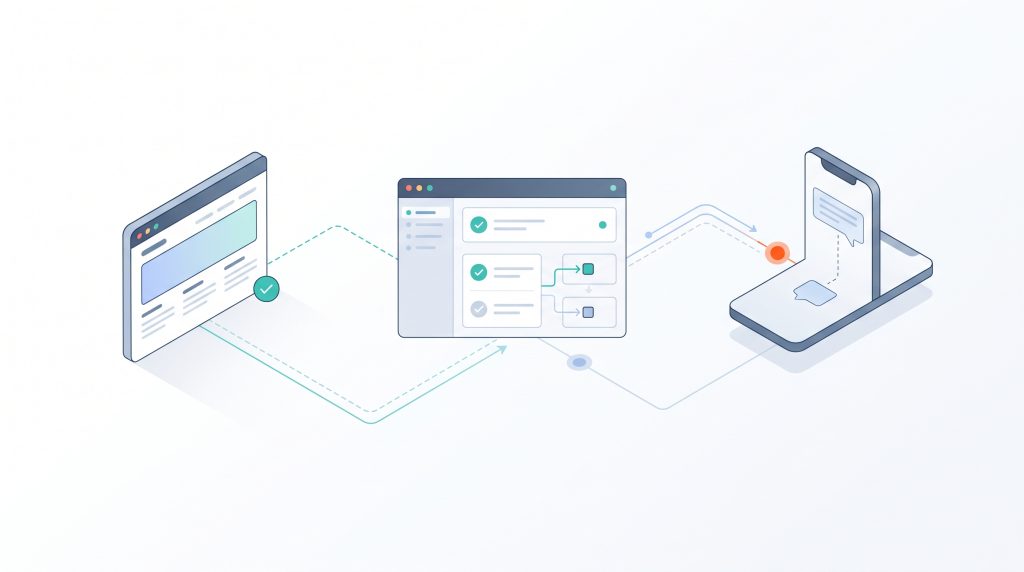
The server-status display and the pairing-generation endpoint perform different checks. A successful status response can show that the selector received a Ready result, while a separate pairing request can still fail because its requested resource is unavailable.
For example, a website can load its pairing form while the remote endpoint receiving the form submission cannot resolve the requested route. The successful page load does not prove that the form submission reached a working pairing handler.
For an HTTP 404, the operator should inspect the requested URL, route registration, application configuration, deployment path, and any routing or proxy rules. The server log should be compared with the exact time of the failed request.
Changing a correctly formatted phone number will not repair an endpoint route that the server cannot find. Avoid repeatedly changing valid input when the same pairing request returns the same HTTP error.
Safe user checks versus operator-side fixes
You can check the information submitted through the pairing form, your internet connection, and the response displayed by the page. The operator must inspect the server-side route and request logs when the endpoint itself returns HTTP 404.
Use this sequence before reporting the problem:
- Open the pairing form. Visit the Erfan MD homepage and pairing tool. This establishes that you are using the intended website interface.
- Inspect the server selection. Open
Select Serverand read the displayed status and active-slot information. Do not assume thatUnknownmeansOffline. - Check your phone number. Enter the complete international number with its country calling code, using digits only and no plus sign.
- Submit the pairing request. Press
Generate WhatsApp Pairing Codeonce and read the complete result. A successful request displays an eight-character code and aCopy Codebutton. - Record the error. When the response contains HTTP 404, save the exact non-sensitive error text and its timestamp. Follow the form’s 30-second wait notice before another generation request.
The 30-second notice controls when you can generate another code. It does not identify the cause of an HTTP 404.
For a separate code-generation or linking problem, consult the Erfan MD pairing-code troubleshooting guide.
What ping, alive, and uptime commands actually measure
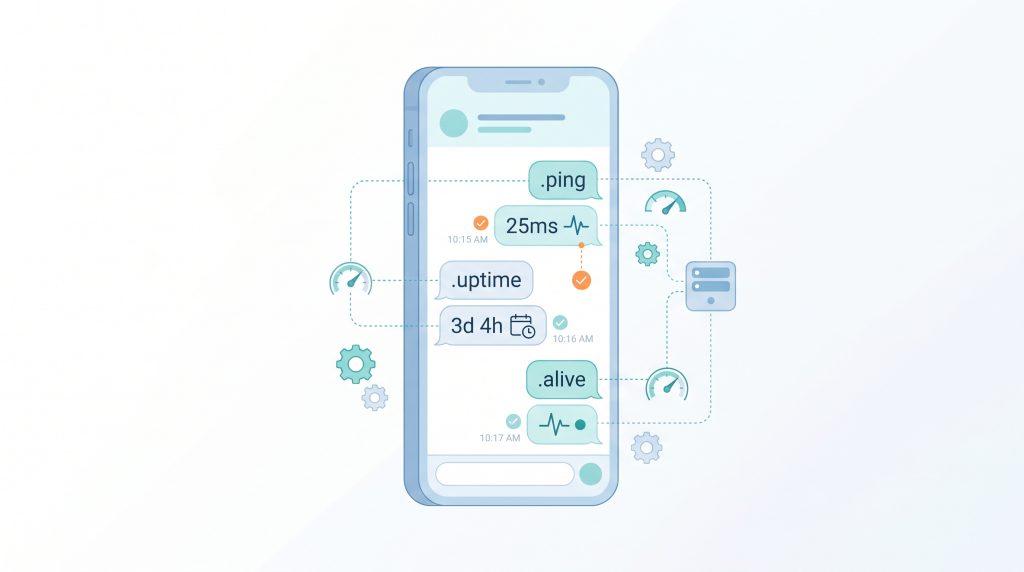
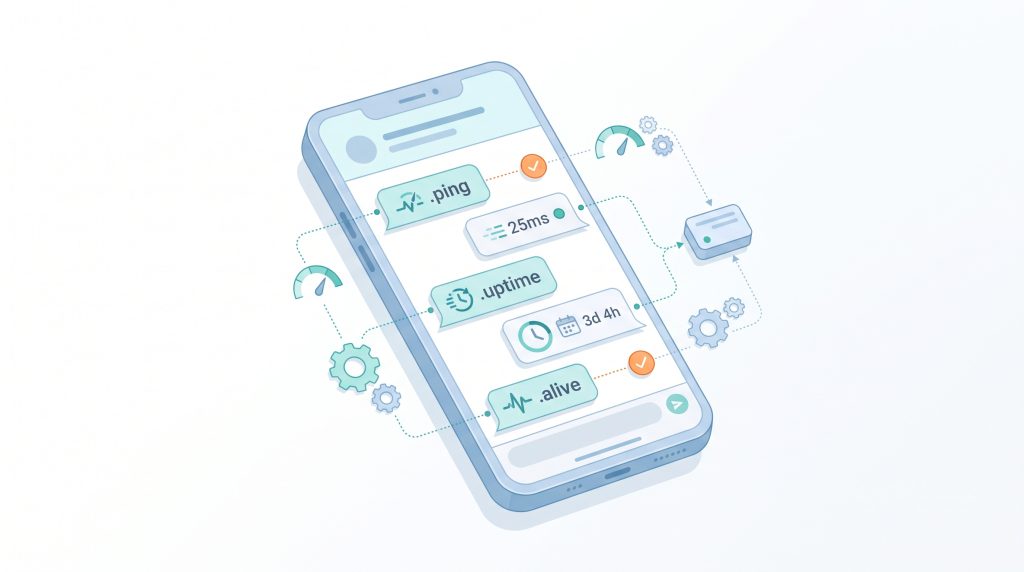
The published Erfan MD command guide lists .ping and .uptime as status-oriented commands, but they do not replace an end-to-end service check. A .ping reply shows the bot handled that command; an uptime counter describes reported process runtime, not service-wide availability or a guarantee that every feature works.
Latency and response probe versus full feature availability
Use .ping as a basic command-response check inside WhatsApp. When the bot replies, you have evidence that it received and processed that particular command in the tested conversation.
That response does not establish that the homepage pairing form works, that every server is available, or that AI, image, search, and group commands will all succeed. Each function may depend on a different part of the remote service.
Do not publish a millisecond response-time figure unless the actual bot reply displays that measurement and its unit. The existence of a ping command alone does not establish a measured latency result.
Interpreting process restarts without assuming SLA guarantees
The .uptime command is a status-oriented way to inspect the runtime counter reported by the bot. Treat the displayed value as a process-runtime reading, not as a percentage of historical service availability or a service-level guarantee.
If a later reading is lower than an earlier reading, that change is consistent with a process restart or a different server instance. It does not independently establish why the counter changed, how long a service interruption lasted, or whether another instance remained available.
For meaningful troubleshooting, record each returned value with its observation time. Compare readings from the same bot session where possible, and avoid converting a process counter into an uptime percentage.
A practical WhatsApp command test sequence
Run the following checks in a private conversation with an account you own. This reduces group-permission variables and lets you observe each response separately.
- Send
.menuto display the available command categories. This checks whether the bot responds to the menu command. - Send
.pingand record the exact reply. This checks the bot’s response to that command at the time of testing. - Send
.uptimeand record the displayed counter exactly as returned. Do not add a unit or percentage that the response does not show. - Before trying
.alive, check whether that exact command appears in the live.menu. Use the command spelling and instructions displayed by the bot. - Compare the command results with the pairing-page status separately. Do not use one successful reply as proof that the pairing endpoint works.
For command-prefix and syntax problems, use the Erfan MD command syntax and prefix guide.
Reporting server errors safely to support
A useful support report identifies which component failed, when it happened, the server label, and the exact non-sensitive error text. Include whether the failure happened while selecting a server, generating a code, linking a device, or sending a command; never send pairing codes, verification codes, passwords, or session credentials.
Logging server label, timestamp, and redacted HTTP error
Record the following information when an error occurs:
- The date and time of the failed attempt, including your time zone.
- The server label displayed by the pairing selector:
Ready,Offline, orUnknown. - The active-slot information and counter out of 50, if displayed.
- The exact stage where the error occurred: server selection, pairing generation, WhatsApp linking, or a bot command.
- The HTTP error code and non-sensitive message, when the page displays them.
- Your device type and browser, when they help reproduce the problem.
When a browser screenshot helps explain the issue, remove your phone number, generated codes, and any account-related information before sending it. A timestamped error message is more useful than a screenshot containing private credentials.
Never sending pairing codes or account tokens
The pairing form does not request your WhatsApp password. Never send your pairing code, WhatsApp verification code, password, session credentials, or account tokens to support or another person.
Erfan MD operates the remote server that your linked WhatsApp account connects to. That server can read and respond to commands during an active session, so review the Erfan MD Privacy Policy for information about session and server data processing.
Any linked device can receive messages on the account. Link only a service you trust, and remember that you can remove a connected session through WhatsApp’s Linked Devices settings.
WhatsApp’s Help Center guidance on linked devices and unsupported third-party apps explains the account-safety considerations associated with linking devices and using unsupported software.
Limits and what can change
This guide covers the Erfan MD website, pairing form, and linked bot as separate components; it does not establish availability for every server or every feature. Server labels, endpoint routes, command behavior, and WhatsApp linking screens can change when the remote service, its hosting, or WhatsApp changes.
Keep these distinctions in mind:
- Website: Provides documentation and guides. A working documentation page does not prove that a remote bot server is responding.
- Pairing tool: The homepage form generates the WhatsApp pairing code. Its successful display does not prove that a linked bot will process commands.
- Bot: Processes commands inside WhatsApp during an active linked session. A working bot command does not prove that a new pairing request will succeed.
- External services: Some AI commands may use third-party AI services. A working
.pingresponse does not establish that an AI command’s separate processing route is available.
WhatsApp controls restrictions on WhatsApp accounts. No server label, command response, or successful pairing attempt guarantees that an account will avoid restrictions.
Frequently asked questions about Erfan MD server status
These answers separate a server-selector label from a pairing response and a command reply. Use them to decide whether to check the phone, inspect the pairing request, or report an operator-side error; do not treat one successful check as proof that the whole bot service is healthy.
If Erfan MD shows “Ready,” does that guarantee my pairing code will generate?
No. Ready shows the server selector’s reported state; it does not test the separate pairing endpoint. The code request can still return an error, so record the exact response and report it if it persists.
What does “Unknown” server status mean on the pairing page?
Unknown means the selector is not showing a definitive status for that server. It is not proof that the server is Offline or that it has zero active bots; check the slot indicator separately and try a different reported-active server if one is available.
Can I fix an HTTP 404 error on Erfan MD from my own phone?
You can check your connection, refresh the page, and verify your phone-number format, but you cannot repair a server-side missing route from your phone. The operator needs to inspect the endpoint path and server logs. Avoid repeatedly changing a correctly formatted number when the same endpoint returns 404.
What is the difference between .ping, .alive, and .uptime?
The published command guide describes .ping and .uptime as status-oriented commands. Use .menu to check whether .alive is available before sending it; do not assume the three commands return the same information. A ping reply checks one command response, while an uptime counter reports process runtime rather than a service-availability percentage.
Why did .ping respond quickly even though an AI command failed?
A .ping reply only shows that the bot handled that command at that moment. An AI command may use a separate handler or a third-party AI service, so it can fail independently. Check the exact AI command instructions in .menu and test again with a harmless prompt.
Next steps for server status and pairing diagnostics
Run checks in a controlled sequence: read the status selector, make one correctly formatted pairing request, then test the bot with its displayed commands after linking. Record each result separately and use the relevant setup, command, or privacy guidance before changing account settings or repeating failed requests.
- Open the pairing tool and read the selected server’s status before submitting a request.
- Use the post-pairing connection checklist to distinguish a linked WhatsApp session from a bot that actually responds.
- Check the live
.menubefore relying on a command name or attempting to diagnose an unrecognised command. - Send a redacted error report through the Erfan MD contact page when a pairing endpoint or server-status problem persists.
About this guide
Erfan Ahmed is the founder of Erfan MD, has a software development background, and is based in Pakistan. This guide explains the project’s status indicators and safe diagnostics for international users. For support, email company@explorefrag.com. Last tested and updated: 23 November 2026.