
The right follow-up interval depends on what the customer asked for and what you promised. A booking confirmation, a price quote, and a dormant marketing lead should not all use the same schedule.
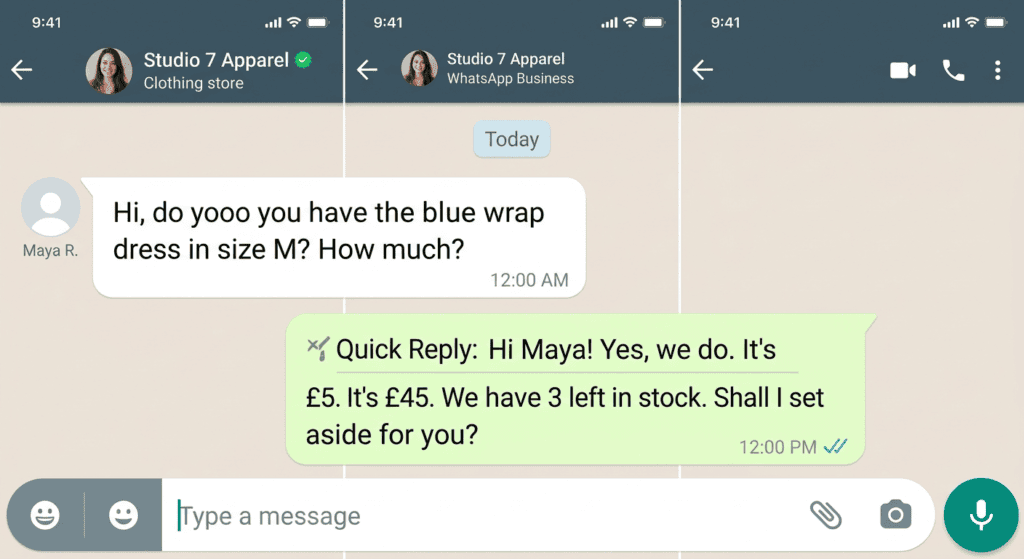
Start with the customer’s expectation
If you promised a quote today, follow up when the agreed window has passed. If the customer is choosing among products, give them time to review. If the question is urgent, route it to a staffed support path rather than relying on a timed campaign.
Use stop conditions
A follow-up system should stop when the customer replies, declines, opts out, buys, or no longer qualifies for the sequence. Store the reason for each follow-up and avoid contacting people repeatedly because an automation failed to update its status.
Set a stop rule before a sequence starts
Choose a reason for each follow-up and a maximum number of attempts. A useful sequence might contain one reminder about an unanswered question and then stop unless the customer responds or has agreed to more contact. Timing should reflect the customer's stated deadline and the nature of the enquiry, not a universal “best” hour. Monitor replies, complaints, and opt-outs; stop sending when the person declines or no longer has a valid reason to hear from you.
Decide when the sequence ends
Stop after a customer declines, opts out, completes the requested action, or the reason for contacting them no longer exists. Do not keep sending reminders because a timer fired. If a customer gave a specific date to reconnect, record that preference and honor it. Review response and opt-out rates by sequence rather than assuming a fixed delay works equally well for all products and customer relationships.
Continue with WhatsApp Lead Capture: Collect, Qualify and Follow Up to plan a related lead or follow-up step without assuming every contact is ready to buy.
Lead-handling checklist
- Record the original request and promised response time.
- Send only a contextual message when the next step is useful.
- Stop the sequence after a reply, refusal, opt-out, or completed task.
- Review complaints and opt-outs to adjust the schedule.
Applying it to one task
A quote requested before Friday should be followed up according to the agreed decision date, not a generic rule that every lead receives three reminders in two days.
What not to assume
No published “best time” applies to every country, business, and customer. Respect applicable consent rules and quiet-hour requirements in the regions where you operate.
Set timing around the customer’s stated expectation
Use this mini-check on an authorized test setup before relying on this workflow. It is a repeatable test plan, not a claim that Erfan MD has already passed these cases.
- If a customer expects a quote or update by a specific time, schedule the follow-up around that commitment rather than a universal “best time.”
- Use one relevant reminder as a starting point, set a stop condition, and respect the customer’s time zone and communication preferences.
- Review replies, negative feedback, and opt-outs before increasing frequency.
FAQ
Is there a universal ideal follow-up interval?
No. Use the context, urgency, customer expectation, and your measured outcomes.
Should a bot keep messaging until a customer responds?
No. A sequence needs an end condition and must respect refusals and opt-outs.
Primary sources
Track customer permission, useful outcomes, negative responses, and opt-outs alongside conversions. Fast or frequent messages are not evidence of a healthy customer experience.
Related guides
- WhatsApp Follow-Up Message Examples for Different Situations — Use concise WhatsApp follow-up messages for quotes, appointments, and incomplete conversations while respecting customer preferences and….
- WhatsApp Win-Back Messages: Re-Engage Customers Respectfully — Plan a respectful win-back message for eligible customers, with a relevant reason to contact them and a clear way to stop further messages.