
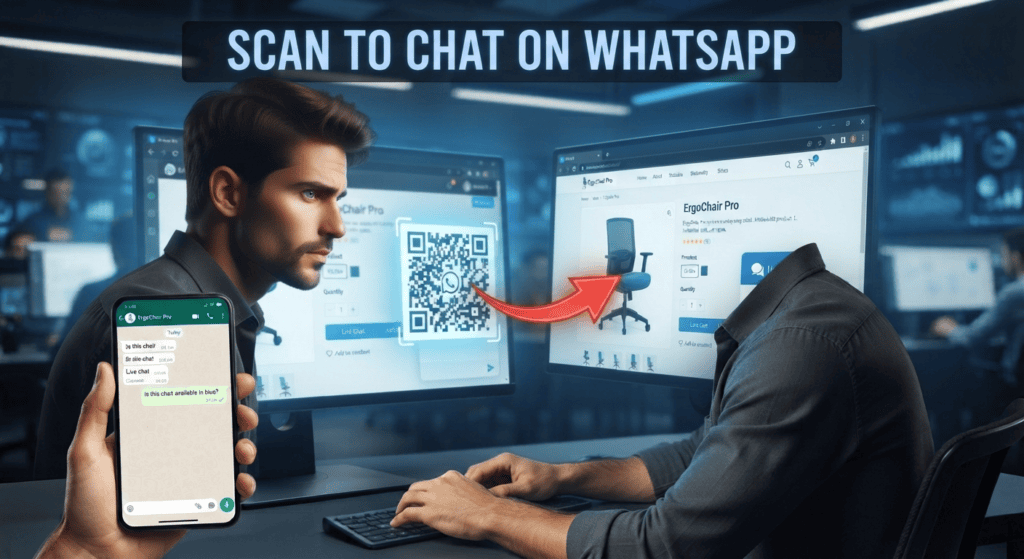
Website live chat keeps the conversation on a business website. A WhatsApp flow moves it into a messaging account. The better choice depends on where customers start, whether follow-up is needed, what data the team must see, and the platform rules that apply.
Compare the customer journey
Live chat can be convenient when a visitor is already browsing a product or checkout page. WhatsApp can be useful when the customer chooses a messaging channel and expects to continue the conversation later. Both need an obvious path to a real person and a plan for conversations that are abandoned.
Compare operations as well as convenience
Check routing, business hours, transcript access, consent, retention, integrations, outage handling, and support ownership. A channel that appears free may still require staff time, a provider subscription, or message charges. Cost calculations should include implementation and maintenance.
Route by complexity and urgency
Automation is most useful for predictable questions with approved answers. Live support is better when a request needs interpretation, negotiation, emotional judgement, account-specific investigation, or an exception to policy. Decide the handoff trigger in advance: for example, two failed attempts, a complaint keyword, a request for a person, or a payment dispute. Tell customers what happens next and avoid trapping them in a loop that only repeats the same options.
Keep the handoff visible
Tell a customer when the conversation is being transferred and whether a person is available now or later. Send a short summary of the issue to the receiving team so the customer does not have to repeat everything. Set a queue limit and an escalation path for urgent cases. If no one is available, the system should collect a preferred contact time or provide an alternative route rather than making an untrue promise that a human will reply immediately.
For the next support step, read Signs a WhatsApp Customer Is Frustrated and How to Respond and compare its handoff and resolution checks with this workflow.
Before switching on replies
- Map how customers currently discover and contact the business.
- Choose the channel that reduces friction for that specific journey.
- Write down data flows, consent points, retention, and escalation rules.
- Pilot one scenario and compare completion and customer feedback.
Applying it to one task
A visitor comparing two products may prefer live chat while still on the product page. A customer who needs an order update may prefer an opted-in WhatsApp conversation—provided the business can support that workflow lawfully and reliably.
What not to assume
Do not move customers to WhatsApp automatically or assume that a saved phone number is permission for every kind of promotional message. Follow the applicable product terms and local privacy rules.
Test the customer journey in both channels
Use this mini-check on an authorized test setup before relying on this workflow. It is a repeatable test plan, not a claim that Erfan MD has already passed these cases.
- Use three representative requests: a routine question, an urgent or sensitive issue, and a request that requires a human.
- Check whether the context survives a handoff and whether staff can see the conversation history they need.
- Compare resolution time, abandoned requests, and the customer’s ability to switch channels instead of comparing reply speed alone.
FAQ
Can a business use both channels?
Yes, but define which channel owns the case and how staff avoid duplicate or conflicting replies.
Which one costs less?
It depends on software, volume, staffing, messaging charges, and integration work. Compare total cost for the same customer task.
Primary sources
Keep a clear path to a person for unresolved, sensitive, urgent, or repeated problems. An automated reply is not the same as a resolved support case.
Further guides
- WhatsApp Business App vs Bot: Differences for Small Businesses — Compare the WhatsApp Business app with automation tools, including what each can do, costs to check, human handoff, and the limits of….
- WhatsApp Customer Support Bot: FAQs and Human Handoffs — Build a WhatsApp support bot with useful FAQs, escalation triggers, and a human handoff that actually works.