
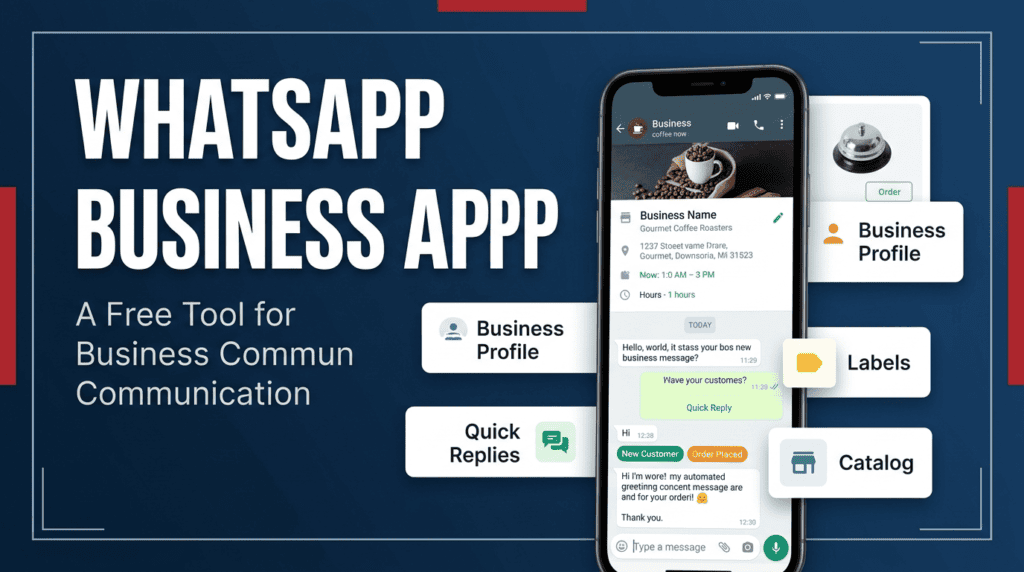
The WhatsApp Business app is a business communication app with tools such as a profile, catalog, labels, quick replies, and greetings. A bot is a separate automation layer that may respond to events or route requests. They solve overlapping but different problems, and “bot” features vary by provider.
Comparison by everyday task
The Business app is often enough when one person can reply manually and the main need is a business profile or saved responses. Automation becomes relevant when the same low-risk questions recur, response handling needs to be shared, or records must move into another system. Compare functions rather than marketing labels.
Questions to ask before switching
Ask which WhatsApp product the tool uses, whether your business is eligible, what permissions it needs, how conversation data is stored, what charges apply, and how to pause or disconnect it. If it uses a third-party linked-device method, read WhatsApp’s warning about unofficial apps rather than assuming it is equivalent to the official Business Platform.
A simple way to choose
Use the Business app when saved replies, a profile, and manual judgement cover the workload. Consider an automation platform only after you can name the repeated task it will handle and verify that the exact connection method is supported for your account. Compare staff time, setup, maintenance, support, reporting, data access, and exit options—not just a headline monthly price. For many small businesses, improving the saved replies and profile is a sensible first step before adding another system.
Compare the whole workflow
Ask whether the solution can answer a common query, show the current price, record an order, hand the chat to a person, export a history, and disconnect cleanly. Mark each function as built-in, supplied by a third party, requiring an integration, or unavailable. This avoids comparing WhatsApp's free app with a vendor's entire stack as if they were equivalent products. If the extra system cannot demonstrate the function you need, the simpler app may be the better fit.
A related guide, WhatsApp Channels vs Broadcast Lists: Key Differences, covers a different part of this workflow and helps you plan the next step.
A practical test checklist
- List the five questions customers ask most often.
- Mark which answers are safe to automate and which require judgment.
- Compare total cost, setup effort, data handling, reporting, and support.
- Run a small test before routing live customers through it.
Worked example
A one-person repair shop may need only a profile, catalog, and saved replies. A larger team may benefit from an approved system that assigns cases and tracks resolution time. The decision follows actual workload, not business size alone.
Where this approach can fail
Do not assume that a third-party tool can use every native Business app feature or that the Business app and every bot can coexist in the same configuration. Verify the exact product, eligibility, and current terms.
Compare the same task in both options
Use this mini-check on an authorized test setup before relying on this workflow. It is a repeatable test plan, not a claim that Erfan MD has already passed these cases.
- Choose five real recurring questions and mark each feature as native, available through an approved integration, third-party-dependent, or unavailable.
- Compare total cost including staff time, setup, maintenance, support, data export, and disconnecting—not only the headline subscription price.
- Run the same test questions through both workflows and compare correctness, human handoff, and time to resolution.
Common questions
Is the WhatsApp Business app itself a bot?
No. It includes some convenience and greeting features, but those are not the same as a fully configured automated workflow.
Is a bot always the better option?
No. For low message volume or sensitive, case-specific conversations, manual replies may be simpler and safer.
Official documentation to check
- How to link a device on WhatsApp Business
- WhatsApp guidance on linked devices and unofficial apps
- WhatsApp Business Platform pricing documentation
Feature availability depends on the exact product, connection method, account eligibility, and provider. Verify the workflow on an authorized test setup before relying on it in customer conversations.
Continue with these guides
- WhatsApp Automation Bot: What It Can and Can’t Do — See common WhatsApp bot tasks, where automation fails, and how to decide which customer conversations still need human review.
- What to Automate First in WhatsApp Business — Choose a first WhatsApp automation workflow using message frequency, risk, answer stability, and the cost of an incorrect response.