
WhatsApp Channels and broadcast features serve different communication patterns. Channels are designed for updates from an account to its followers; broadcast messages send a message to selected recipients under the rules of the relevant WhatsApp product. Do not treat the names as interchangeable.
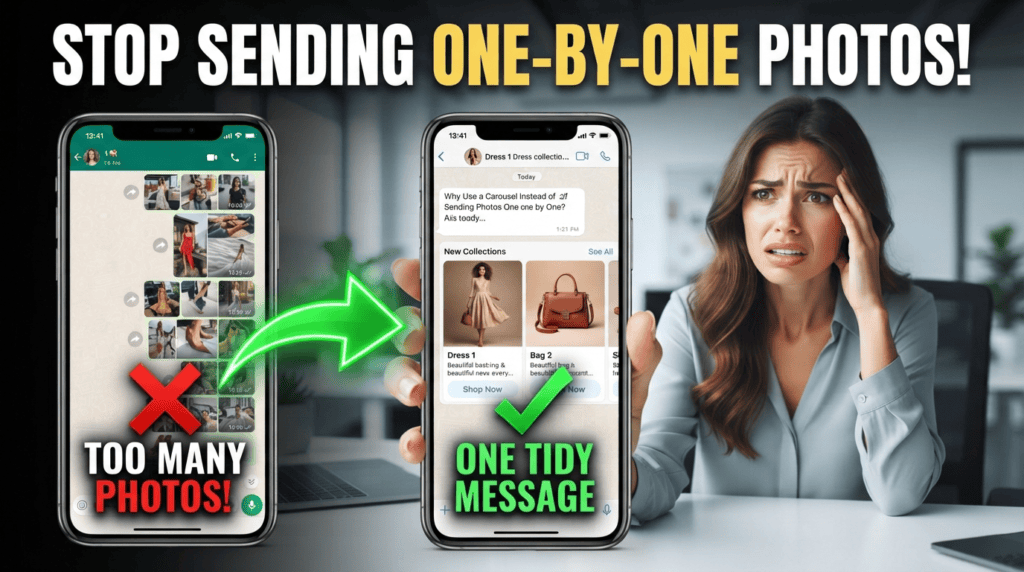
Choose based on the audience and response you need
Use a Channel when people choose to follow public updates and a one-to-many feed suits the goal. A broadcast list may fit a business that needs a more direct message to a selected contact group, subject to the feature’s recipient and contact requirements. New Business broadcasts may have separate pricing and availability.
Privacy and permission still matter
Confirm who can see the message, whether recipients can reply, what list or contact conditions apply, and whether the message is marketing. Use only contact records collected for a legitimate purpose and respect preferences, blocks, and opt-outs.
Choose by audience and reply expectation
A Channel is suited to one-to-many updates where the audience follows content; a broadcast is intended to deliver a message to selected contacts under the product's current eligibility and delivery rules. Before using either, confirm the feature appears in your account, understand delivery and reply limitations, and check current pricing if a paid broadcast feature applies. Do not treat followers or old contacts as permission for every promotional campaign; use relevant consent and opt-out practices.
Choose a measurable goal
For a Channel, measure whether followers see and act on useful updates. For a broadcast, measure delivery, replies, opt-outs, and resulting customer actions within the current product's reporting limits. Compare with a relevant baseline and factor in message cost and staff time. A large send count is not the same as a useful result. Start with a small, appropriate audience and confirm the feature and payment terms in the account before promising a campaign to a client.
A related guide, WhatsApp Business App vs Bot: Differences for Small Businesses, covers a different part of this workflow and helps you plan the next step.
Checklist before launch
- Define whether the message is public information, customer support, or marketing.
- Check the official feature guide and current eligibility in your account.
- Segment recipients by a real reason to receive the update.
- Measure useful replies and opt-outs, not just delivery volume.
Worked example
A restaurant might use a Channel for general menu announcements and a direct customer-support conversation for a reservation. A promotional broadcast should be sent only through a feature and consent process that complies with applicable policy.
Where this approach can fail
Feature availability, recipient limits, and prices may vary by region, account, and product. Do not copy older broadcast limits without checking the current official documentation.
Choose by audience and interaction needs
Use this mini-check on an authorized test setup before relying on this workflow. It is a repeatable test plan, not a claim that Erfan MD has already passed these cases.
- Write down whether recipients need a one-way public update, a direct message, or an ongoing two-way conversation.
- Check current product availability, audience eligibility, permission requirements, and opt-out handling for the feature you plan to use.
- Test how a recipient discovers the update and how replies or support requests are handled before moving a customer list.
Questions readers ask
Are Channels and broadcast lists the same?
No. They have different audience and interaction models.
Are Business broadcasts always free?
No. WhatsApp documents paid broadcast features in some markets. Verify availability and current prices in the official Help Center.
Where to verify current rules
- WhatsApp Business broadcasts help
- WhatsApp Business broadcasts pricing
- WhatsApp Business Messaging Policy
Feature availability depends on the exact product, connection method, account eligibility, and provider. Verify the workflow on an authorized test setup before relying on it in customer conversations.
Further guides
- WhatsApp Follow-Up Timing: A Practical Guide — Choose follow-up timing based on the customer’s stated deadline, the request type, and permission—not a universal “best hour” rule.
- WhatsApp Business Changes for 2026: What to Verify — Check the official WhatsApp Business terms, pricing documentation, and policy pages before changing a customer-messaging workflow in 2026.