
An upsell suggests a higher-tier version; a cross-sell offers a complementary product. Both are useful only when they solve a real customer need. Irrelevant offers distract from the order and can make a support conversation feel like spam.
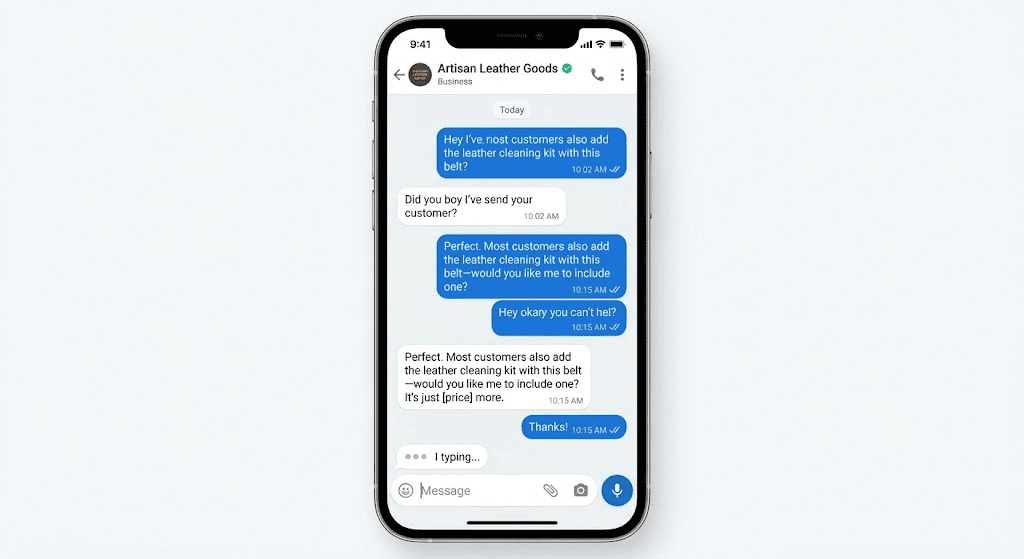
Make the recommendation relevant
First confirm the customer’s intended use, budget, and compatibility needs. Explain one reason the extra item may help and show the additional cost. Do not hide a required accessory in the total or present optional items as mandatory.
Choose the right moment
During support, fix the customer’s problem before offering another product. During checkout, keep the core order clear and allow the customer to decline without losing the original offer. Follow current messaging rules for any later promotional contact.
Recommend only what fits the request
An upsell should explain a meaningful difference, such as longer warranty or larger capacity; a cross-sell should be relevant to the chosen item. Show the additional price clearly and allow the customer to continue with the original choice without friction. Do not silently change an order or treat a recommendation as consent. Track returns, complaints, and order corrections as well as revenue to ensure the suggestion genuinely helps.
A simple recommendation test
Compare orders where the relevant suggestion was offered with a similar baseline, but also watch return rates, cancellations, and customer complaints. Make sure the recommendation is compatible with the product already selected and does not add surprise charges. If the customer declines, continue with the original order without pressure. A transparent option builds more trust than repeatedly promoting a high-margin item that does not fit the customer's needs.
Continue with WhatsApp Lead Capture: Collect, Qualify and Follow Up to plan a related lead or follow-up step without assuming every contact is ready to buy.
Checklist before following up
- Confirm the customer’s goal before recommending an add-on.
- State the extra price and whether it is optional.
- Limit the recommendation to a relevant item.
- Record the customer’s choice and update the order summary.
A small-business example
A phone-accessory seller might mention a compatible case after confirming the phone model: “A protective case is available for [price] if you need one; it is optional.”
Important limitations
Do not invent scarcity, pressure people after a refusal, or send sales messages to unrelated contacts. A higher order value is not worth eroding trust.
Check that the extra offer helps the customer
Use this mini-check on an authorized test setup before relying on this workflow. It is a repeatable test plan, not a claim that Erfan MD has already passed these cases.
- Link the recommendation to the item or need the customer actually raised, and show the original choice alongside any alternative.
- Give clear price and material differences; do not imply the customer needs an upgrade to complete the original purchase.
- Make refusal easy and stop recommending the item after the customer declines.
A few common questions
Should every order trigger an upsell?
No. Offer one only when it is relevant and welcome.
Can an automated message recommend the right item?
Only if the product data and compatibility rules are accurate and the customer can easily reach a person.
Official guidance and references
Track customer permission, useful outcomes, negative responses, and opt-outs alongside conversions. Fast or frequent messages are not evidence of a healthy customer experience.
Continue with these guides
- WhatsApp Bot for Ecommerce: Product Questions and Orders — Map an ecommerce WhatsApp workflow for product questions, stock checks, order status, and follow-up without guessing availability or delivery….
- WhatsApp Catalog Best Practices for Small Businesses — Make WhatsApp catalog listings easier to compare with clear names, current prices, useful photos, availability, and ordering instructions.