
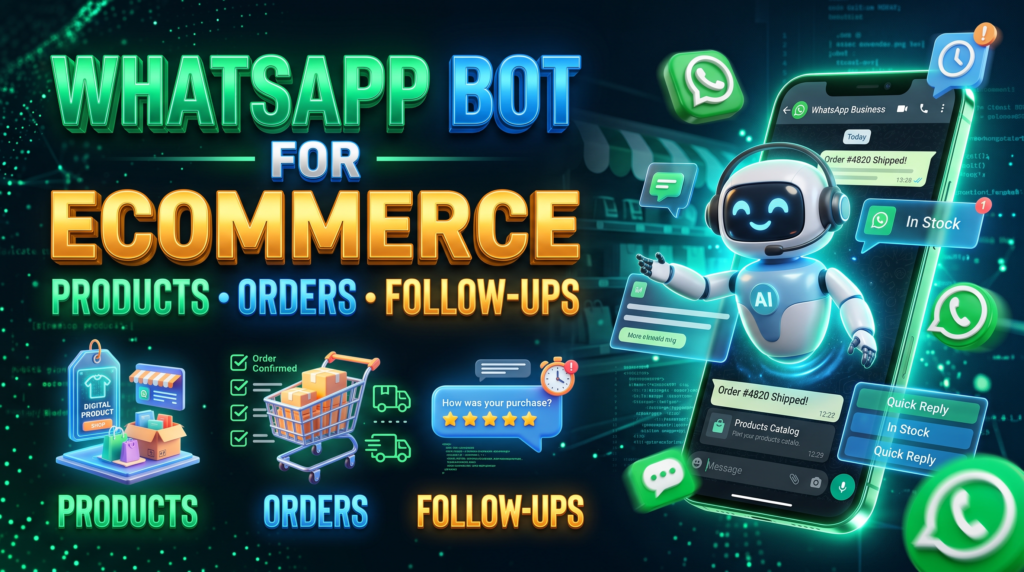
Ecommerce chats often start with a product question and then move to stock, delivery, payment, and order status. A useful workflow connects each answer to the store’s current records rather than relying on static text alone.
Connect the workflow to a source of truth
Use the product catalogue for specifications and current prices, inventory for availability, and the order system for payment and delivery status. If the integration cannot read one of these sources, the message should say the information needs confirmation.
Keep order changes controlled
Collect only necessary information and use a secure checkout or account portal for payment and sensitive data. A bot should not promise a cancellation, refund, or delivery date without confirming the current status and the policy that applies.
Connect messages to real order states
Product availability should come from the inventory source, and order messages should use the confirmed order status. Test cancelled orders, delayed payment, partial fulfilment, refunds, out-of-stock items, and duplicate webhooks. A bot should link customers to a secure checkout or order page rather than request unnecessary payment credentials in chat. If the system cannot verify a status, say that the request is being checked instead of presenting a guess as fact.
Check order-state edge cases
Test an order that is unpaid, partially paid, cancelled, delayed, returned, and refunded. Ensure every automated notification follows the real status rather than a time delay alone. When the inventory system cannot confirm availability, ask staff to verify before taking payment. Keep order references non-sensitive and link to an authenticated page for detailed information. These edge cases matter more to customer trust than adding another generic promotional message.
For a related operational use case, read WhatsApp Bot for Restaurants: Menus, Reservations and Orders; compare its inputs, handoff, and failure checks with your process.
Confirm these operating details
- Map the customer journey from product question to order completion.
- Identify the system of record for price, stock, payment, and shipping.
- Test stale stock and failed API responses.
- Route refunds, disputes, and unusual deliveries to staff.
Example workflow
If a customer asks whether a blue medium shirt is available, the workflow should check the exact variant. If the stock feed is unavailable, it should offer a human confirmation instead of treating the product page as live inventory.
Risk checks before launch
Do not advertise automatic fulfilment or follow-ups until the relevant store integration exists and has been tested with realistic orders.
Verify every order state against the source of truth
Use this mini-check on an authorized test setup before relying on this workflow. It is a repeatable test plan, not a claim that Erfan MD has already passed these cases.
- Test an in-stock item, an out-of-stock item, an unpaid order, a payment failure, and a delivery-status change using non-production or authorized test data.
- Send a confirmation only after the relevant system confirms the event; do not infer payment, inventory, or dispatch status from a chat alone.
- Check how the workflow handles retries and order edits so customers do not receive contradictory or duplicate notices.
Common questions
Can the bot confirm delivery?
Only when it receives a reliable current status from the shipping or order system.
Should customers send payment details through chat?
Use the business’s secure, approved checkout process instead of collecting card data in a message.
Official documentation to check
- WhatsApp Business Messaging Policy
- Meta Terms for WhatsApp Business
- WhatsApp Business Platform pricing documentation
Industry examples are illustrative workflows, not claims of Erfan MD performance. Verify local requirements, source data, customer permissions, and human escalation before launch.
Related guides
- WhatsApp Product Listings: Help Customers Choose and Order — Create useful product listings for chat-based buying with clear specifications, option availability, prices, and a safe order-confirmation….
- WhatsApp Catalog Best Practices for Small Businesses — Make WhatsApp catalog listings easier to compare with clear names, current prices, useful photos, availability, and ordering instructions.