
When an overseas customer asks about an order in chat, the seller needs to confirm whether the product can be shipped, what the complete cost will be, and which payment methods are supported. Do not assume the platform or courier can serve every destination.
Collect the details needed for a quote
Ask for product, quantity, destination country and postal code, and any required options. Then check shipping restrictions, delivery estimate, currency conversion, duties or taxes, and return terms from the appropriate provider. State which figures are estimates and which are confirmed.
Keep payment and order records outside a chat-only process
Use a recognized checkout or invoicing process when possible. Do not ask customers to send card data, passwords, or one-time codes in the conversation. Record the agreed price, currency, shipping terms, and order ID in the business system.
Make cross-border communication predictable
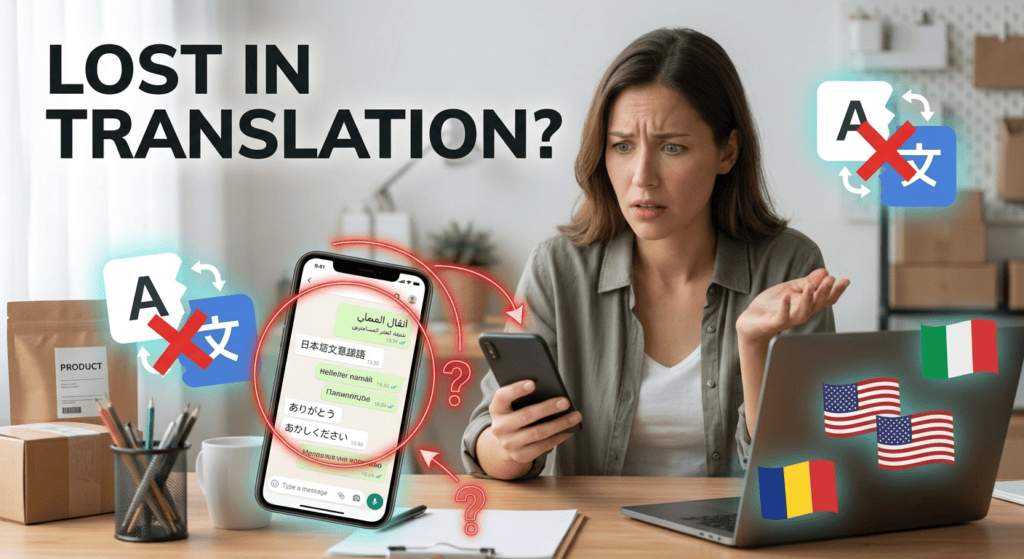
State your working hours and time zone, explain expected response times, and tell customers which languages your team supports. For international enquiries, confirm country-specific delivery, currency, taxes, and contact arrangements before promising an outcome. Keep a web or email route for customers who cannot use WhatsApp or prefer not to. Check data protection and record-retention obligations for the jurisdictions and customer information involved.
Reduce cross-border misunderstandings
Confirm the customer's time zone before promising a call, state the currency on every quote, and clarify which party pays shipping or applicable import charges. Keep language choices explicit and avoid translating legal or technical promises loosely. If WhatsApp is unavailable or not preferred in the customer's country, provide email or a web form. Review regional privacy and record-keeping requirements when a conversation contains personal or order data.
For a related operational use case, read WhatsApp Bot for Restaurants: Menus, Reservations and Orders; compare its inputs, handoff, and failure checks with your process.
A practical launch checklist
- Confirm destination and product eligibility.
- Calculate the full landed or delivered price where possible.
- Send a written summary before taking payment.
- Link the order to a secure payment and support record.
Example workflow
A seller may reply: “We can check delivery to [country]. Please share the item and postal code. We will confirm courier cost, estimated delivery, and any charges that may apply before you pay.”
Risk checks before launch
This article does not provide country-specific tax, customs, or legal advice. Check the destination country’s official rules and the carrier’s current service terms.
Confirm every cross-border order detail
Use this mini-check on an authorized test setup before relying on this workflow. It is a repeatable test plan, not a claim that Erfan MD has already passed these cases.
- Check destination eligibility, shipping time, customs or tax obligations, currency, payment method, and return arrangements before confirming an order.
- Send a written summary for the customer to review and do not treat a chat message as payment verification unless the payment system confirms it.
- Keep an escalation route for disputes, delivery exceptions, and information that differs by destination.
A few common questions
Should the seller promise a delivery date in chat?
Only after checking a realistic estimate with the carrier; label estimates clearly.
Can a chat serve as the only order record?
It is safer to keep an order record in an approved business system with controlled access.
Official guidance and references
Industry examples are illustrative workflows, not claims of Erfan MD performance. Verify local requirements, source data, customer permissions, and human escalation before launch.
Related workflows
- WhatsApp Bot for Ecommerce: Product Questions and Orders — Map an ecommerce WhatsApp workflow for product questions, stock checks, order status, and follow-up without guessing availability or delivery….
- WhatsApp Notifications: OTPs, Order Updates and Alerts — Plan transactional WhatsApp notifications with clear purpose, reliable event data, minimal personal information, and safe handling of….