
Use an auto-reply to acknowledge a message and set expectations, not to pretend that the request has already been solved. Replace every bracketed field with verified information and remove templates that do not fit your actual workflow.
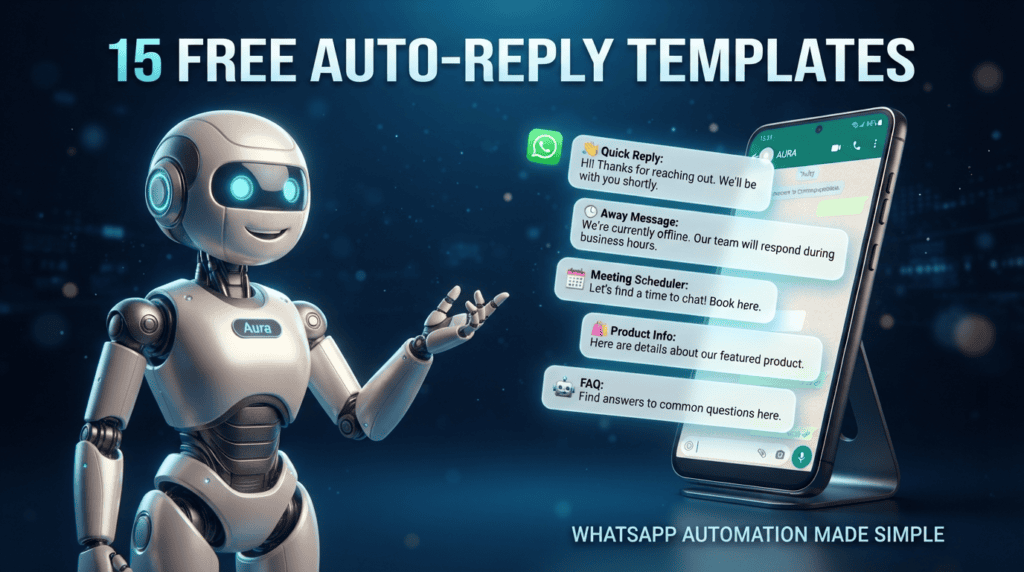
Templates for common situations
1. Greeting: “Hi, thanks for contacting [Business]. How can we help?” 2. After hours: “We’re offline until [time]. We’ll reply during [hours].” 3. Order received: “We’ve received order [ID]. We’ll confirm status after checking payment and stock.” 4. Delivery: “Please share your order ID so we can check the current delivery status.” 5. Appointment: “Which date and time would you prefer?”
More templates
6. Price request: “The current price for [item] is [amount]. [Condition/fee].” 7. Out of stock: “[Item] is currently unavailable. Would you like an update when it returns?” 8. Human handoff: “I’m sending this to [team/person] for review.” 9. Complaint: “I’m sorry this has been frustrating. Please share [non-sensitive reference] so we can investigate.” 10. Return: “Please review [return link] or share your order ID for the next step.” 11. Booking confirmation: “Your request for [date/time] is received; we’ll confirm once the slot is checked.” 12. Payment: “Use our official payment link: [link]. Do not send your card details in chat.” 13. Delay: “We’re checking the delay and will update you by [time].” 14. Feedback: “Did this resolve your issue? You can reply with any remaining question.” 15. Close: “Thanks for contacting [Business]. Reply here if you need help with this request.”
Customize each template before using it
Replace every placeholder, confirm that links work, and verify that the business can actually fulfil the promise in the message. Templates should not claim a payment cleared, a booking was confirmed, or an item shipped unless the relevant system verifies that state. Keep a human handoff for unusual requests and check that promotional messages comply with the applicable rules and customer permissions. Review templates whenever prices, hours, policies, or service coverage change.
Keep a template owner and review date
Store the approved version, owner, last review date, and the system field that supplies each placeholder. Test links, currency, time zone, business hours, and order-status wording before publishing. Remove templates that no longer match the actual process. If a message is promotional, verify the relevant policy and permission requirements; a template's availability does not itself mean it is appropriate for every recipient or context.
For another ready-to-adapt example, read WhatsApp Follow-Up Message Examples for Different Situations; adjust the wording to the recipient and the specific conversation.
Message checklist
- Keep every reply accurate and short.
- Do not claim a booking, payment, refund, or delivery is confirmed until the relevant system confirms it.
- Include a real handoff route and maintain the linked information.
- Test templates with common typos and unexpected questions.
Worked example
For an order confirmation, connect the template to the actual order status. If the system does not verify payment, use “request received” rather than “payment confirmed.”
Where this approach can fail
Templates need to fit your product, jurisdiction, privacy practices, and the relevant WhatsApp messaging rules. Promotional messages require a separate eligibility and consent review where applicable.
Customize every template before it goes live
Use this mini-check on an authorized test setup before relying on this workflow. It is a repeatable test plan, not a claim that Erfan MD has already passed these cases.
- Replace every bracketed field and verify names, operating hours, prices, response windows, and promised actions.
- Test each message for a first-time query, an unclear request, and a case that requires a human; remove templates that imply work is already done when it is not.
- Check tone, applicable opt-in/opt-out requirements, language variants, and the date the template was last reviewed.
Questions readers ask
Can I use these templates unchanged?
Only after replacing placeholders and checking that each statement is true for your business.
Do auto-replies eliminate the need for staff?
No. Keep a plan for unclear requests, complaints, and tasks that need human judgment.
Where to verify current rules
Replace placeholders and verify every factual promise before sending. Keep the wording relevant to the original enquiry and stop messages when a person declines or opts out.
- WhatsApp Greeting Message Examples That Sound Natural — Write a WhatsApp greeting that sounds natural, sets response expectations, and tells customers what information to share next.
- How to Reply to a WhatsApp Price Inquiry — Answer WhatsApp price questions with the actual price, what it includes, relevant options, and a transparent next step.