
A small business does not need to automate every conversation. Start with the one repeated task that creates the most delay, then decide whether the available product can support it reliably and under the applicable WhatsApp terms.
Pick one job and define success
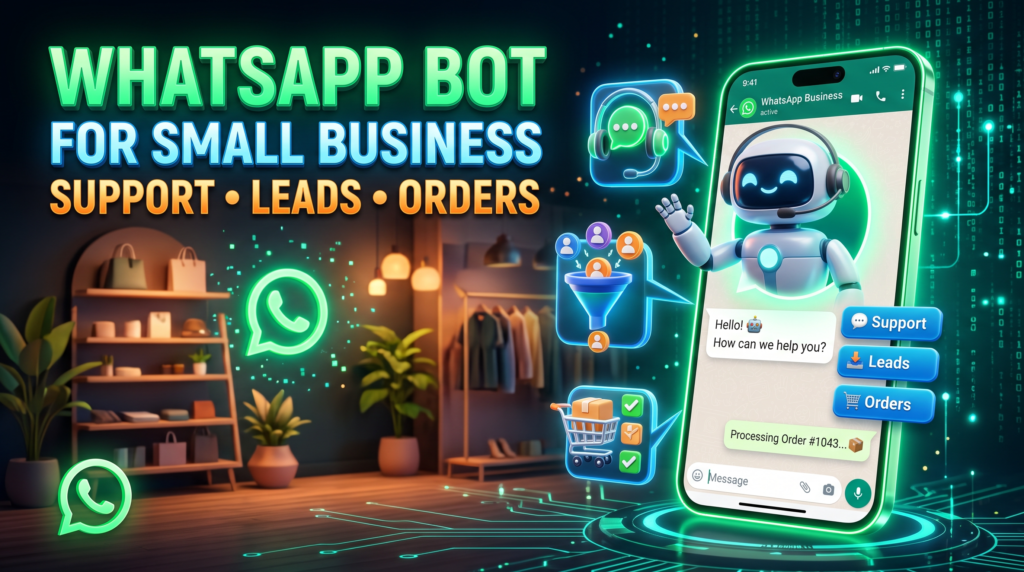
For support, success may mean answering a published FAQ correctly. For lead intake, it may mean collecting just the details needed for a callback. For orders, it may mean reporting a verified status from the order system. Do not mix all three workflows into one vague “AI bot” promise.
Design the handoff before launch
Every workflow needs a fallback when the answer is unknown, the integration is down, or the customer asks for a person. Store only required data and set access permissions. If you use the official Business Platform, follow its documentation and current pricing; if using a third-party connection, review its support status and risks separately.
Start by mapping the customer journey
List the stages from first question to quote, order, payment, fulfilment, and support. For each stage, decide what information the customer needs, which system holds the authoritative status, and when a person must take over. This prevents a bot from saying an order is paid or shipped when the commerce system has not confirmed it. Use a narrow pilot and measure correct resolution, customer effort, and staff workload before scaling.
One workflow at a time
A business might begin with opening hours and delivery-area questions, then add enquiry capture, order status, or appointment requests after it has tested the first flow. For every added workflow, name the source of truth, responsible person, exception condition, and measure of success. Keep the customer-facing response clear about whether an action is submitted, pending, or confirmed. This reduces the risk of a simple bot presenting an unverified business state as fact.
For a related operational use case, read WhatsApp Bot for Restaurants: Menus, Reservations and Orders; compare its inputs, handoff, and failure checks with your process.
Industry workflow checklist
- Choose one workflow and write its trigger and success condition.
- Use approved answers and current source data.
- Test errors, unusual requests, and manual handoff.
- Measure correct resolution, repeat contact, and ongoing maintenance.
A practical scenario
A local shop might first provide business hours and delivery-area information. After measuring whether that helps customers, it can decide whether a more involved order-status integration is worth the added effort.
Limits and safeguards
This article describes a planning method, not a verified feature list. Do not advertise a feature as available on Erfan MD unless it works on the live service and has been tested.
Run a narrow pilot across one complete workflow
Use this mini-check on an authorized test setup before relying on this workflow. It is a repeatable test plan, not a claim that Erfan MD has already passed these cases.
- Choose one task—support triage, lead intake, or order status—and define the starting event, approved answer, end state, and human handoff.
- Use a baseline and measure correct resolution, repeated messages, staff corrections, and response time during the pilot.
- Expand to the next task only after the first workflow handles normal, ambiguous, and failure cases safely.
FAQ
What should a small business automate first?
A frequent, low-risk task with an approved answer and a simple way to reach a person.
Can a bot manage every order?
Only when the integration has accurate order data and clear exception handling; otherwise route cases to staff.
Primary sources
- WhatsApp Business Messaging Policy
- Meta Terms for WhatsApp Business
- WhatsApp Business Platform pricing documentation
Industry examples are illustrative workflows, not claims of Erfan MD performance. Verify local requirements, source data, customer permissions, and human escalation before launch.
Related workflows
- What to Automate First in WhatsApp Business — Choose a first WhatsApp automation workflow using message frequency, risk, answer stability, and the cost of an incorrect response.
- WhatsApp Customer Support Bot: FAQs and Human Handoffs — Build a WhatsApp support bot with useful FAQs, escalation triggers, and a human handoff that actually works.