
If WhatsApp disables a number, first read the exact message shown in the app and use the official review option if one is available. A blog post cannot determine whether a restriction is temporary, permanent, or mistaken for a particular account.
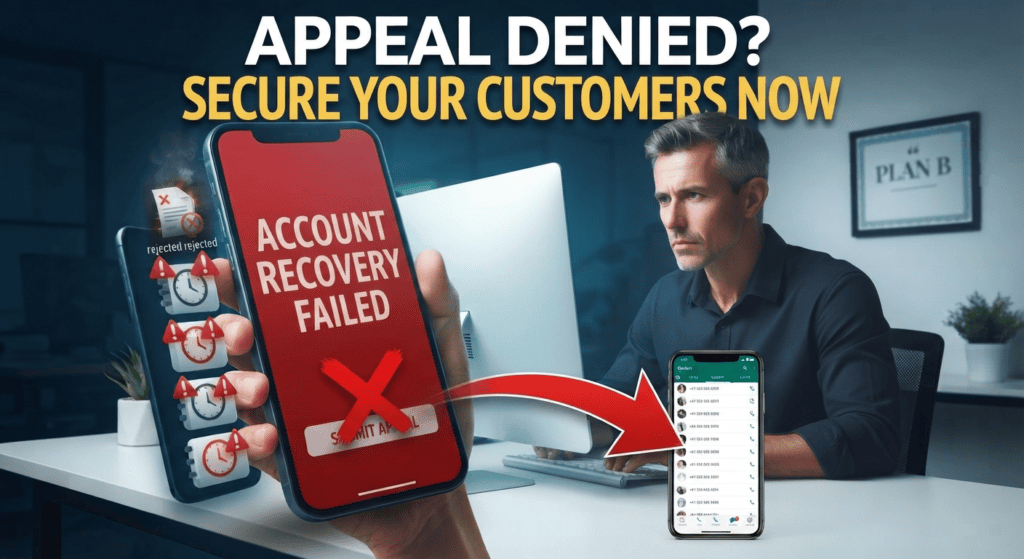
Preserve evidence and review the cause
Record the displayed message, the approximate time the issue began, and any recent changes to tools or messaging activity. Review recent campaigns, third-party integrations, recipient consent, and whether the setup used supported products. Do not repeatedly retry actions that might worsen the situation.
Protect customers while you investigate
Use a published support channel or website to explain how customers can reach the business. Keep the message factual and avoid asking customers to send sensitive documents or verification codes to an unverified number. Restore service only through permitted routes.
Use the official review route
If an account is restricted, read the in-app notice and follow the review or appeal options WhatsApp provides. Keep a record of the notice and recent account activity. Do not promise that an appeal will succeed, and do not attempt to evade enforcement by automating new accounts or repeatedly moving the same behavior to fresh numbers. Before reactivation or migration, check the applicable terms, restore only data you are authorized to use, and tell customers about any genuine change in contact details.
Protect customer continuity
Keep order and service records in a system your business is authorized to maintain rather than relying on chat history as the only record. If an account is disabled, notify affected customers through another legitimate channel when you can do so lawfully. Do not expose customer records to an unrelated service simply to keep communicating. After any resolution, review the cause and update staff procedures before reconnecting automation.
A related policy and safety question is covered in WhatsApp Bot Myths: Privacy, Safety and Spam; check the current official terms before applying either guide.
What to verify first
- Use the official in-app review path when available.
- Re-read current WhatsApp terms and the Business Messaging Policy.
- Secure the phone, email, and business accounts associated with the number.
- Notify customers through a verified alternative contact method.
What this looks like in practice
A small store can place a temporary notice on its website explaining that WhatsApp support is unavailable and linking customers to its official email or phone line.
Safety and quality checks
Avoid third parties promising guaranteed recovery, asking for one-time codes, or requesting payment to bypass a restriction. Do not create new accounts to evade enforcement.
Follow the official review path and preserve records
Use this mini-check on an authorized test setup before relying on this workflow. It is a repeatable test plan, not a claim that Erfan MD has already passed these cases.
- Save the exact in-app notice, date, relevant business records, and any information needed to explain the account’s legitimate use.
- Use the official appeal or support option when available and avoid services promising guaranteed unbanning.
- Prepare a customer-continuity plan that uses permitted contact channels; do not attempt to bypass an active restriction.
A few common questions
Can a permanently banned number always be recovered?
No. Only WhatsApp can decide the review outcome for the account.
Should I share my verification code with a recovery service?
No. Treat verification codes as account credentials and never share them with an unverified party.
Official guidance and references
Use the current official policy for the exact WhatsApp product and message type. Rules and pricing can change, so keep the date and product scope with any operational decision.
Read next
- Why WhatsApp Business Accounts Get Flagged: Risk Factors — Review common account-risk factors, how to reduce unwanted messaging, and what to do if a WhatsApp Business account is restricted.
- WhatsApp Business Risk: Avoid Relying on One Number — Create a practical continuity plan for businesses that depend on one WhatsApp number for orders, support, and customer communication.