
An outage plan should answer three questions: how will you notice the failure, who will help customers while it is down, and how will you verify safe recovery? Write it before a sale or campaign depends on the automation.
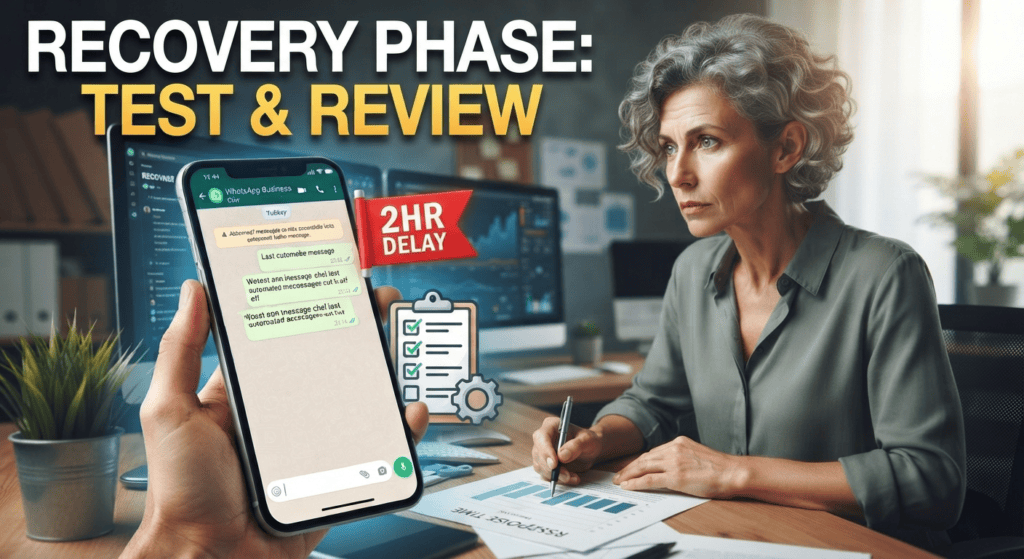
Define the signals that trigger a fallback
Monitor successful message receipts, queue age, error rates, and whether a test conversation gets the expected response. A blank status display is not enough to diagnose the cause; log the time, affected function, and provider response without storing unnecessary personal data.
Prevent duplicate actions during recovery
When a system returns, queued events may arrive late or repeat. Make sure the workflow can identify orders already handled manually and avoid sending duplicate payment requests, confirmations, or promotions.
Design a graceful fallback
Write a short failure procedure before launch: pause automatic replies if they are inaccurate, publish an alternative contact route, record pending orders in an approved system, and assign a staff member to monitor urgent cases. After service returns, reconcile queued events against the order system before sending messages so customers do not receive duplicate confirmations. Track outage start, affected workflows, recovery time, and customer impact. An honest delay notice is safer than pretending every message was handled.
Use a short incident checklist
Assign one person to decide whether the system should be paused, another to handle urgent customer cases if possible, and a clear place to log affected order IDs. When service returns, reconcile each pending action before retrying notifications. Tell customers only what is known and when the next update is expected. A simple tested fallback is more useful than a complex disaster plan no one can execute under pressure.
For the next support step, read WhatsApp Customer Support Bot: FAQs and Human Handoffs and compare its handoff and resolution checks with this workflow.
Customer-care checklist
- Assign one person to declare an outage and coordinate updates.
- Keep a manual support path and a short customer-facing notice ready.
- Record unresolved cases in a controlled list.
- After recovery, reconcile the list and test before switching normal processing back on.
Example workflow
During a lunch rush, a restaurant can pause the failed automation, answer urgent booking questions manually, and enter each resolved booking into one shared record to avoid double-booking when the system returns.
Risk checks before launch
Do not assume that an uptime badge means messages were delivered. Verify an end-to-end test and reconcile actual events before declaring the service recovered.
Exercise the downtime plan before a sale
Use this mini-check on an authorized test setup before relying on this workflow. It is a repeatable test plan, not a claim that Erfan MD has already passed these cases.
- Decide which alert indicates failure, who owns the response, and how quickly a person must take over.
- Run a controlled test in which the automation is unavailable; confirm the manual fallback, customer notice, and escalation route all work.
- After recovery, reconcile queued events and orders so retries do not send duplicate confirmations or omit a customer request.
FAQ
Should queued messages be sent automatically after an outage?
Only after checking duplicates, expiry, consent, and whether the message is still useful.
What should a post-incident review record?
Start time, customer impact, root cause if known, recovery steps, and the change that will prevent recurrence.
Primary sources
- WhatsApp Business Messaging Policy
- WhatsApp Terms of Service
- WhatsApp Business Platform pricing documentation
Keep a clear path to a person for unresolved, sensitive, urgent, or repeated problems. An automated reply is not the same as a resolved support case.
- What Happens to WhatsApp Business When Your Phone Is Off? — Learn how linked devices differ from third-party automation, what to test during an outage, and how to maintain a manual support fallback.
- How a WhatsApp Bot Can Handle Multiple Customers — Understand message queues, concurrent conversations, rate limits, failures, and the tests that show whether a WhatsApp bot can handle busy….